Shopify webhooks fail quietly: a reliability checklist for merchant integrations
A practical way to find and fix the webhook gaps that leave Shopify orders, inventory, fulfillment, or accounting out of sync.
Discuss your Shopify implementation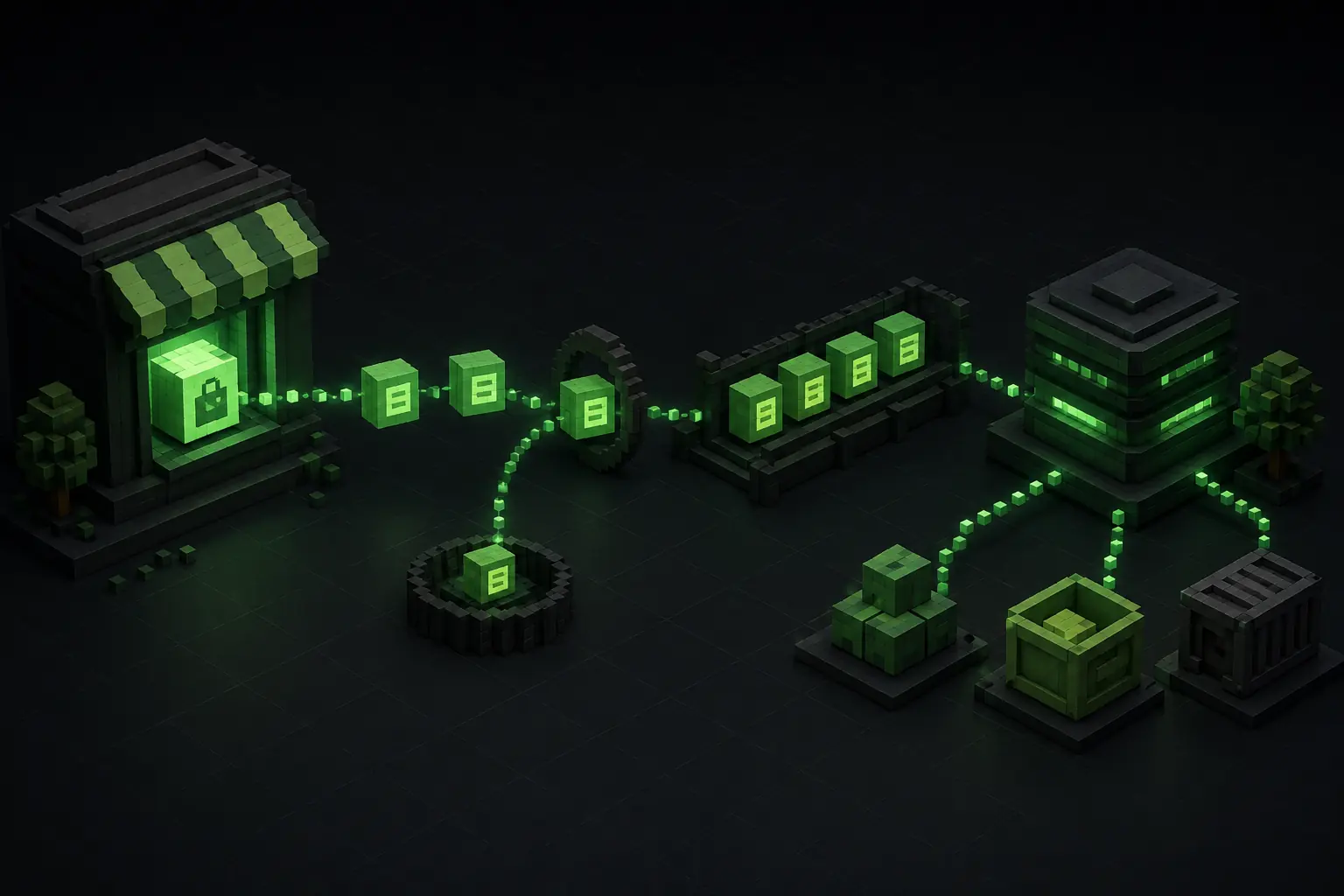
A webhook problem becomes a merchant problem quickly
Your store receives an order, but the warehouse does not. Inventory changes in Shopify, while the feed or ERP still shows the old quantity. A refund is completed, but the accounting export contains only the original sale. These gaps are often blamed on an app, even though the underlying issue is usually the handoff between systems.
Shopify webhooks are designed for near-real-time notifications when something happens in a shop. Shopify lists inventory alerts, shipping integrations, accounting exports, and post-purchase workflows as typical uses in its webhook overview. They are useful signals, but they are not a guarantee that your downstream process has finished successfully.
There are four separate questions in every integration:
- Did Shopify send the delivery?
- Did your endpoint authenticate it and answer quickly enough?
- Did your queue or worker process it once and only once?
- Can you recover if the delivery was delayed, duplicated, or missed?
Treat those as separate checkpoints. A green status in an app dashboard does not prove that a warehouse order was created or that an external product feed has the current inventory. The checklist below is for merchants, app owners, and technical partners who need to find the exact point where data stops moving.
Map each business action to an owner and a source of truth
Start with a small table for the flows that can cost money when they drift. For each flow, record the Shopify topic, the receiving system, the business owner, and the system that holds the authoritative state.
For example, Shopify can be the source for a new order, while the warehouse system becomes the source for fulfillment progress. Shopify can be the source for a product quantity at a location, while an external marketplace needs a derived, channel-specific value. An accounting export may need the final order, transaction, refund, and tax data rather than the first order-created payload.
Do not use one generic “order sync” label for all of these. orders/create, fulfillment changes, refunds, cancellations, and edits can have different consequences. A customer-service edit after the order was imported may need a correction job, not a second warehouse order. A stock update may need to update a feed and a back-office system, but it should not be treated as a new product.
For every flow, write down the expected result in plain language: “one Shopify order creates one warehouse order,” or “one inventory change updates the comparison-shopping feed within the agreed window.” That sentence becomes the acceptance test. It also tells support where to look when a merchant reports that two systems disagree.
Acknowledge deliveries before doing the real work
The webhook endpoint should be a small intake service, not the place where you call an ERP, build a feed, send an email, and recalculate reports in one request. Shopify documents a one-second connection timeout and a five-second timeout for the complete request. A non-2xx response is treated as a failed delivery.
The safer pattern is:
- Receive the request and preserve the raw body and relevant headers.
- Verify the HMAC before accepting the event.
- Record the shop, topic, webhook ID, event ID, API version, and received time.
- Put the payload or a durable reference into a queue.
- Return a 200-series response quickly.
- Let a worker perform the ERP, warehouse, feed, or reporting action afterward.
This protects the Shopify-to-your-system handoff when the downstream service is slow. It also gives you a durable record to inspect when a job fails. A queue is not a substitute for business rules: the worker still needs to validate the shop, resource, permissions, and current state before it writes anywhere else.
If a connector cannot separate acknowledgement from processing, measure its response time during a realistic order burst. A webhook that works for one test order may fail when a campaign, import, or warehouse batch creates many deliveries at once.
Make duplicate deliveries harmless
Shopify says a webhook can be delivered more than once after a retry or network timeout. The fix is not to hope that retries are rare. Make the processing operation idempotent, so applying the same delivery again produces the same business result.
Store the X-Shopify-Webhook-Id in a durable table with a unique constraint. If that delivery ID has already been completed, acknowledge it and stop. If it is new, create the processing record before the worker performs an external side effect. Keep a status such as received, processing, completed, or failed, plus the downstream reference and an error message.
Use X-Shopify-Event-Id for correlation when several subscriptions represent the same merchant action. Shopify notes that separate subscriptions receive different webhook IDs but can share an event ID. The webhook ID therefore identifies a delivery; the event ID helps you understand the originating action.
The downstream operation needs its own protection too. Before creating a warehouse order, search for an existing record keyed by shop plus Shopify order ID. Before writing a feed row, use a stable product or variant key. Before creating an accounting entry, use the transaction or refund reference that your accounting system expects. A database check in your app does not prevent a duplicate if two workers race, so enforce uniqueness where the side effect is recorded.
Do not deduplicate by topic and shop alone. Two legitimate inventory updates for the same variant are different events. Do not create a new idempotency key for every retry of the same Shopify API mutation either; Shopify's idempotency guidance says retries of the same operation should reuse the key.
Reconcile instead of trusting the event stream forever
Webhooks are a notification path, not a complete historical archive. Shopify documents that delivery can be delayed and recommends a reconciliation job that retrieves data through the APIs after an outage or missed delivery. Build that job before the first incident, not while support is waiting for an order to reach the warehouse.
Choose a recovery window appropriate to the business. A small shop might scan orders, refunds, and inventory changes from the last 24 hours every hour. A high-volume store may use a cursor-based job, per-shop checkpoints, and a longer repair window. Record the last successful scan and the time range being checked. Make the repair operation idempotent just like the live worker.
Compare states, not just event counts. Useful checks include:
- Shopify orders with no warehouse or ERP reference after the agreed processing time.
- Imported orders whose fulfillment or cancellation status differs.
- Refunds with no matching accounting record.
- Tracked variants whose external feed quantity is older than the latest Shopify update.
- Webhook deliveries marked failed, but no corresponding retry or recovery job.
When a mismatch is found, fetch the current Shopify record before changing the downstream system. The latest state may include an edit, cancellation, or refund that arrived after the first event. Store the reason and the source timestamp with the correction so a person can explain what happened later.
Monitor the delivery path before customers notice
Check more than whether a webhook subscription exists. Shopify's Dev Dashboard monitoring shows delivery counts and response time by topic for a recent seven-day window. Its logs can be filtered by topic, status, and shop, and a delivery detail includes the response code, response time, attempt number, webhook ID, and API version.
Set your own alerts for the signals that Shopify cannot interpret as a business failure:
- A delivery has been acknowledged, but its worker has not completed within the agreed time.
- The same shop and resource produces repeated failures or an unusual number of duplicates.
- A downstream API rejects a payload after the webhook endpoint already returned 200.
- A reconciliation job finds an order, refund, or inventory mismatch.
- A subscription disappears or its API version is no longer the one you tested.
Shopify says failed webhook calls can be retried up to eight times over four hours, and persistent failures can remove the subscription. That makes a “we will look at it if the merchant calls” process too slow. A dashboard may show the problem only after a customer is already waiting for shipping confirmation.
Keep structured logs with the shop domain, topic, delivery ID, event ID, resource ID, attempt, queue job, and downstream reference. Never log access tokens, HMAC secrets, or full customer data just to make an incident searchable.
Run a merchant-ready failure test
Before calling an integration reliable, run a small test matrix with the people who own the outcome:
- Create a test order and confirm one downstream record.
- Send the same delivery twice and confirm no second order, export, or stock movement.
- Delay the downstream service and confirm the endpoint still acknowledges within five seconds.
- Return a controlled worker failure and confirm retry, alerting, and a visible failed status.
- Edit, cancel, fulfill, and refund a test order where those actions matter.
- Pause the worker, create a change, resume it, and run reconciliation.
- Remove or rotate a test subscription and document how it is restored.
Write down expected timing, owner, source-of-truth fields, and the safe repair action for each case. Test real payload sizes and a small burst, not only a hand-built sample. If a third-party app owns the endpoint, ask its provider which IDs it stores, how it prevents duplicates, and how a missed delivery is replayed.
Reliable Shopify integrations are observable, repeatable, and repairable. If orders, stock, feeds, or accounting records diverge between Shopify and another system, Stormdev can trace one real example through delivery, queue, mapping, and downstream write, then implement the smallest durable fix.